Surround (3D Sound)
| yes | ESX |
| yes | QBCore |
| yes | Standalone |
Introduction
With mx-surround, you can experience the sounds you hear as if they were actually coming from inside the game. For example, if a sound is coming from interior or from a car and the windows and doors are closed, the sound will be filtered as if it were coming from a closed environment. You can open a song via spotify, soundcloud, youtube link or play it directly from
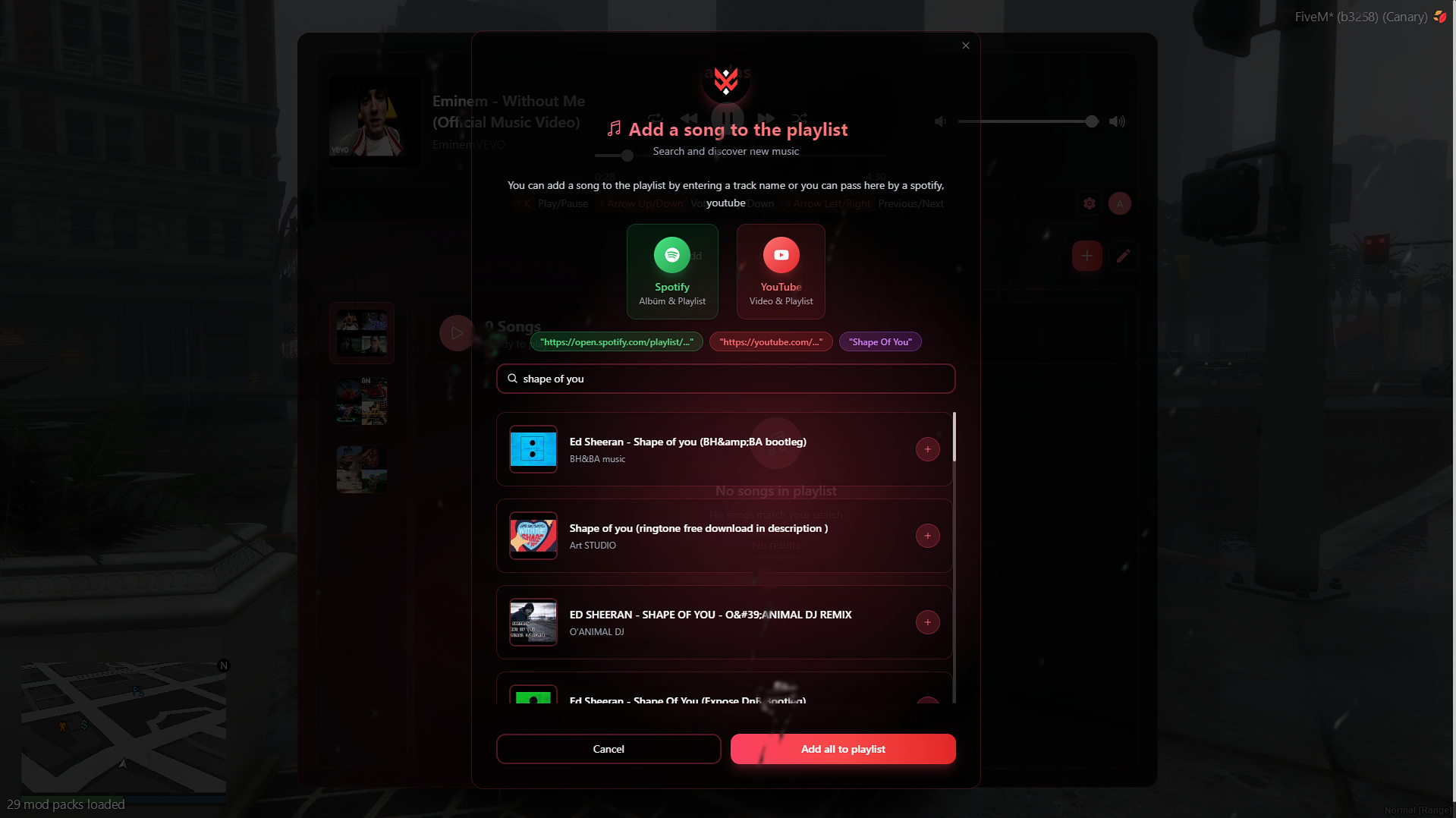
ui/sounds. It gives you an api that is very comfortable to use. For example, you can link a song directly to a vehicle or a player with just a one code. It provides xsound and interact_sounds functions and more importantly it doesn't use iframes even if you use youtube url. So you can play hundreds of songs at the same time.Showcase
We have a great video for you. Enjoy

Documentation
You can find installation, api and some code examples by visiting the documentation.
Briefing
mx-surround leaves files open source as much as possible. Here are some open source things
- Providers
- xsound and interact-sound prevention codes are completely open source. You can modify them as you like.
- Streamer Mode
- Everything about the streamer mode is open source.
- 3D Sound
- Vehicle sound filter
- Interior sound filter (Mlo, ymap etc...)
- Supports spotify, youtube and soundcloud
- Positional sound
- Supports all audio formats
- Streamer mode (Same as xsound)
- Completely unrivaled optimization
- The volumes of the songs change automatically according to the volume in the game (Configurable)
- If you have opened a sound on the server side, it will be saved on the server and the sound will be synchronized to new players.
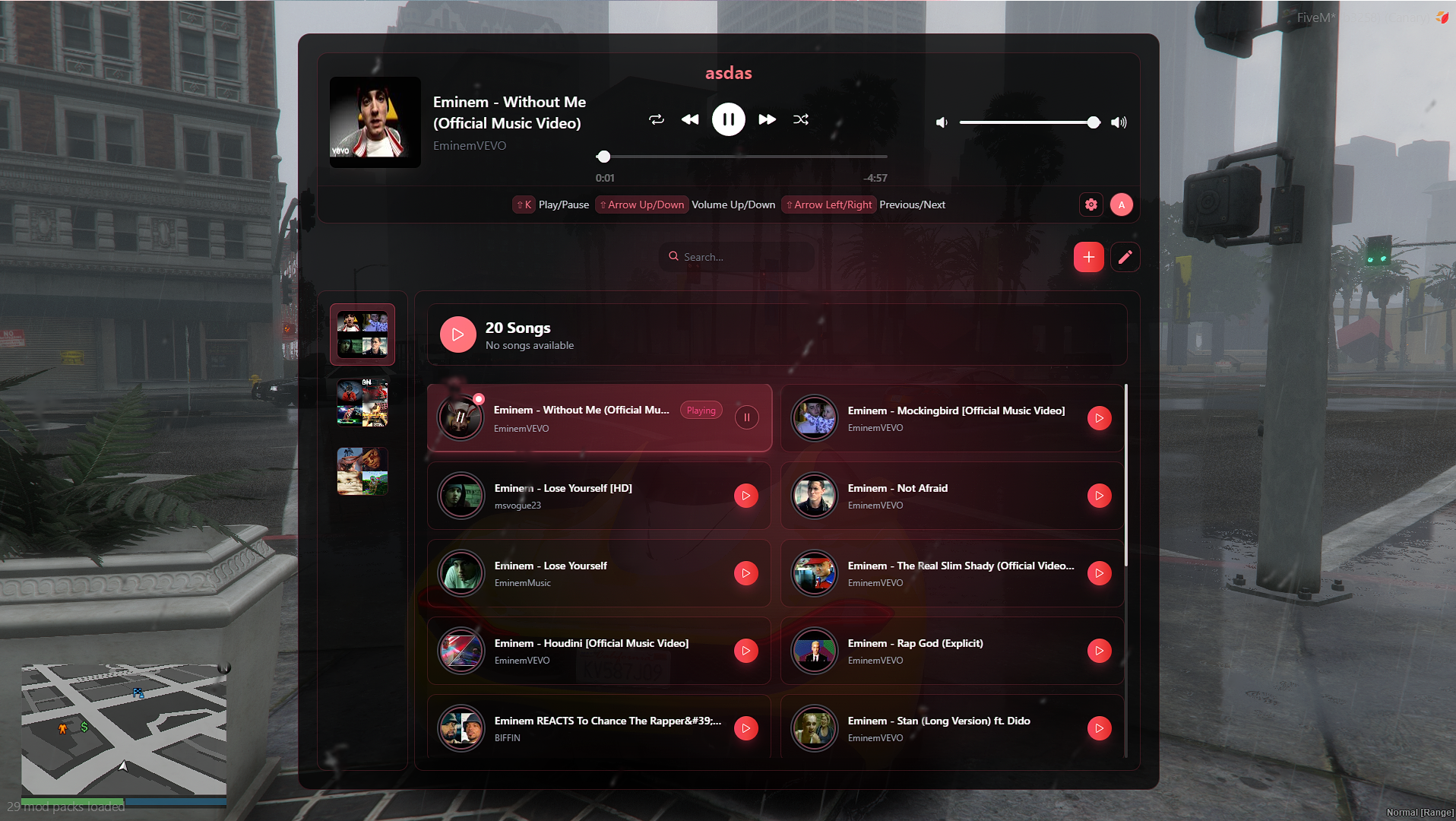
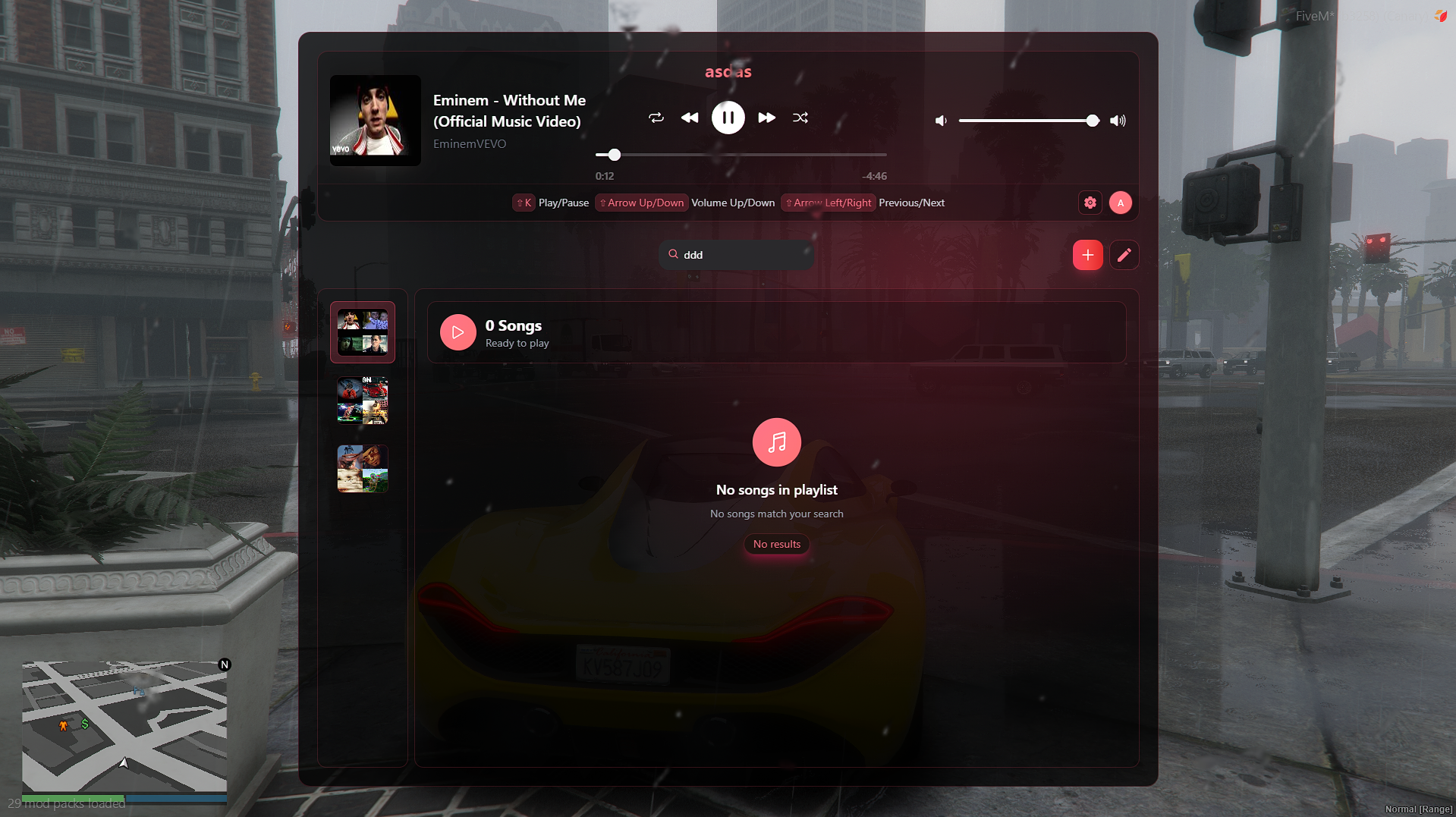
- Search your songs by name.
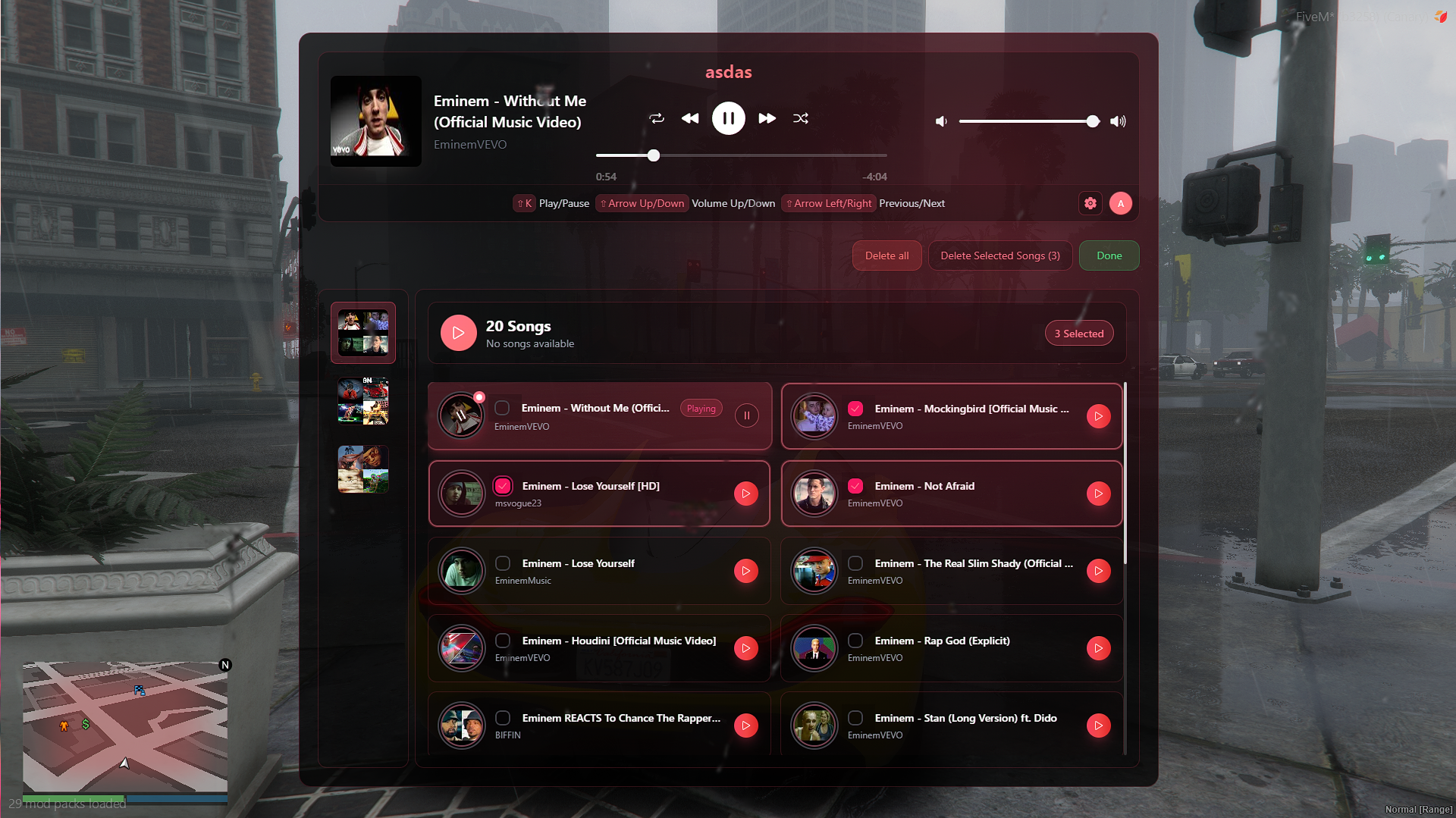
- Play sync songs at specific coordinates with config. And even better, you can play multiple songs by adding playlist.
- Supports youtube and spotify playlists.
- Supports youtube and spotify albums.
Xsound And Interact Sound
MX Surround provides xsound and interact-sound. And it includes all its functions. So you can integrate it without changing your server. BUT! If you have a loop that updates sounds according to player coordinates or vehicle coordinates, unfortunately it will not work properly. But don't worry, you can integrate them very simply with two separate exports attachPlayer and attachEntity without using any loop.
Free Addons
There were four official plugins for MX Surround: audioplayer, boombox, caradio, and dj. Now, all of these have been combined into one:audioplayer. It supports unlimited playlists and lets you search songs by name. The features from boombox, caradio, and dj are now fully included in audioplayer, making everything easier to use in one place .Optimization Comprasion